Master OBD2 Scanners: Ultimate Troubleshooting Guide
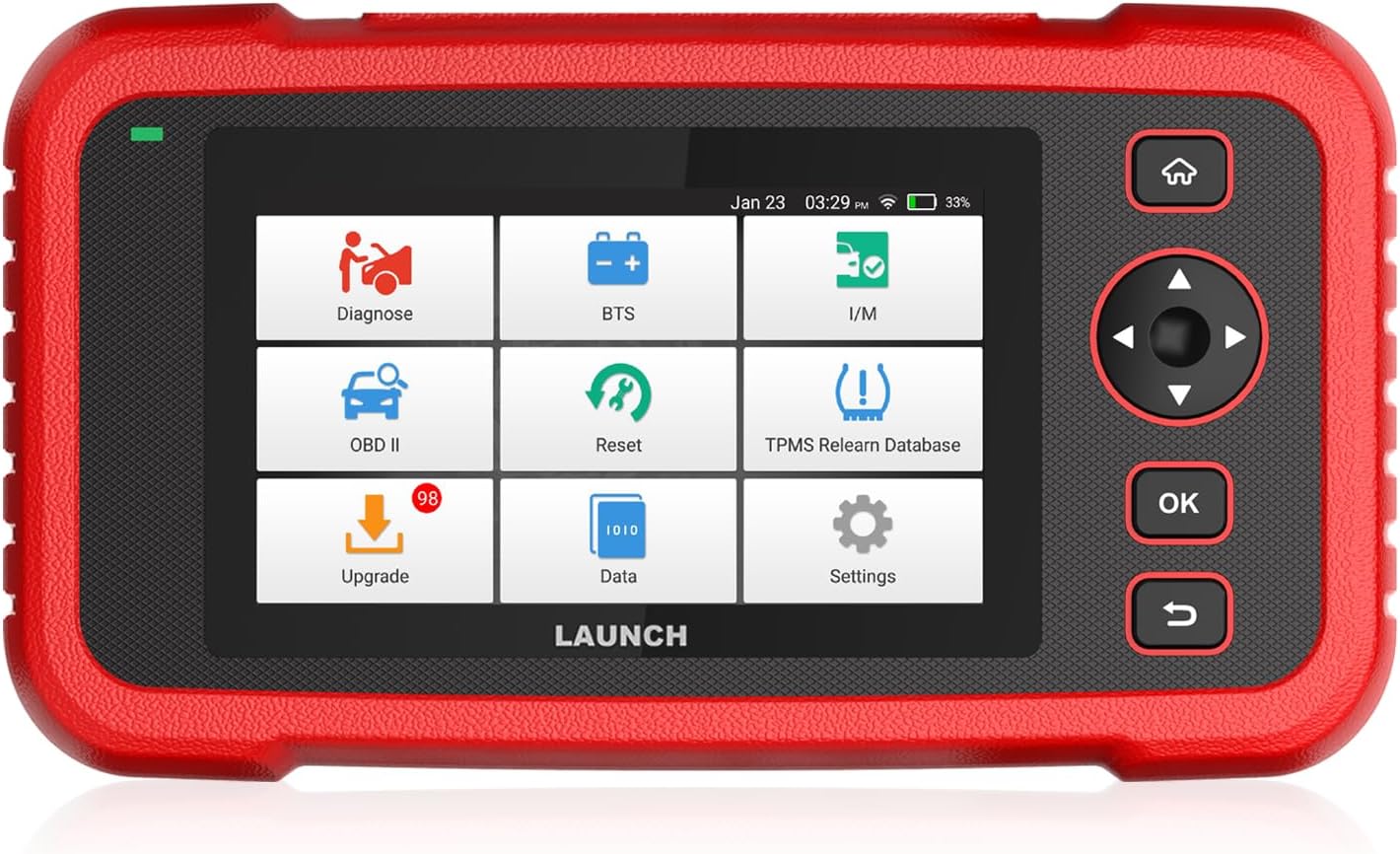
OBD2 Scanners
In the realm of modern automotive diagnostics, On-Board Diagnostics II (OBD2) scanners have become indispensable tools for both professional mechanics and car enthusiasts. These devices empower users to access a vehicle’s data, diagnose issues, and monitor performance in real time. This guide explores the intricacies of OBD2 scanners, offering insights into their functionality, types, and best practices for effective troubleshooting.
Understanding OBD2 Technology
OBD2 technology was mandated in the United States for all vehicles manufactured from 1996 onwards. It standardizes the way vehicles communicate with diagnostic tools, providing a consistent interface for accessing engine and emission-related data. OBD2 scanners can retrieve Diagnostic Trouble Codes (DTCs), monitor sensor readings, and perform various system checks to ensure a vehicle’s optimal performance.
The Evolution of OBD Systems
Before OBD2, there was OBD1, a less standardized system with limited diagnostic capabilities. OBD2 improved upon its predecessor by offering a universal connector, standardized protocols, and a more comprehensive approach to vehicle diagnostics. This evolution has made it easier for technicians to diagnose and repair a broader range of issues.
Types of OBD2 Scanners
OBD2 scanners come in various forms, each catering to different diagnostic needs. Understanding the types available can help users select the right tool for their specific requirements.
Basic Code Readers
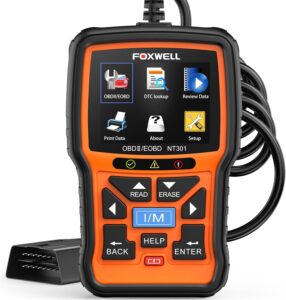
These are entry-level devices designed for reading and clearing DTCs. They offer a simple interface and are ideal for DIY enthusiasts who need to perform basic troubleshooting and repairs. While they lack advanced features, they provide essential information about a vehicle’s health.
Professional OBD2 Scanners
Professional-grade scanners offer a wide range of features, including live data monitoring, freeze frame data, advanced diagnostics, and compatibility with a variety of vehicle makes and models. These tools are suitable for experienced mechanics who require detailed insights and comprehensive troubleshooting capabilities.
Bluetooth and Wireless Scanners
These devices connect to a smartphone or tablet via Bluetooth or Wi-Fi, offering a convenient and portable solution for diagnostics. They typically come with an app that provides a user-friendly interface for accessing and interpreting data. This type of scanner is perfect for tech-savvy users who prefer using their mobile devices for diagnostics.
Key Features of OBD2 Scanners
To make the most of an OBD2 scanner, it’s essential to understand the key features that enhance its diagnostic capabilities.
Diagnostic Trouble Codes (DTCs)
DTCs are alphanumeric codes that indicate specific problems within a vehicle’s systems. OBD2 scanners can retrieve these codes, providing a starting point for diagnosing issues. Each code corresponds to a particular fault, such as a malfunctioning sensor or emission control problem.
Live Data Streaming
Live data streaming allows users to monitor real-time data from various sensors and systems in the vehicle. This feature is invaluable for identifying intermittent issues and assessing the performance of components such as the engine, transmission, and emission controls.
Freeze Frame Data
When a DTC is triggered, the OBD2 system captures a snapshot of the vehicle’s operating conditions at that moment. Freeze frame data provides context for understanding the circumstances that led to the fault, aiding in accurate diagnosis and repair.
Readiness Monitors
Readiness monitors indicate whether specific emission-related systems have been tested and are functioning correctly. This feature is crucial for ensuring a vehicle is compliant with emissions regulations and is ready for an emissions test.
Steps for Effective Troubleshooting with an OBD2 Scanner
Using an OBD2 scanner effectively involves a systematic approach to diagnosing and resolving vehicle issues. Follow these steps for successful troubleshooting.
Step 1: Connect the Scanner
Locate the OBD2 port, usually found under the dashboard near the driver’s seat. Plug the scanner into the port and turn on the vehicle’s ignition. Ensure the scanner powers on and establishes a connection with the vehicle’s computer.
Step 2: Retrieve Diagnostic Trouble Codes (DTCs)
Initiate a scan to retrieve any stored DTCs. Record these codes for reference, as they provide valuable clues about the nature of the problem. Some scanners offer a built-in DTC library for quick code interpretation.
Step 3: Analyze Live Data
Access live data to monitor sensor readings and system performance. Look for anomalies such as irregular sensor values, temperature fluctuations, or unusual engine behavior. This information can help pinpoint the root cause of the issue.
Step 4: Examine Freeze Frame Data
Review the freeze frame data to understand the conditions present when the DTC was triggered. Note parameters like engine RPM, vehicle speed, and coolant temperature to gain insights into the context of the fault.
Step 5: Clear Codes and Perform Test Drive
After addressing the identified issues, clear the DTCs using the scanner. Conduct a test drive to verify that the problem is resolved and ensure no new codes are triggered. Monitor live data during the drive to confirm normal operation.
Common Troubleshooting Scenarios
OBD2 scanners can diagnose a wide range of issues, from minor inconveniences to critical system failures. Here are some common scenarios where OBD2 diagnostics prove invaluable.
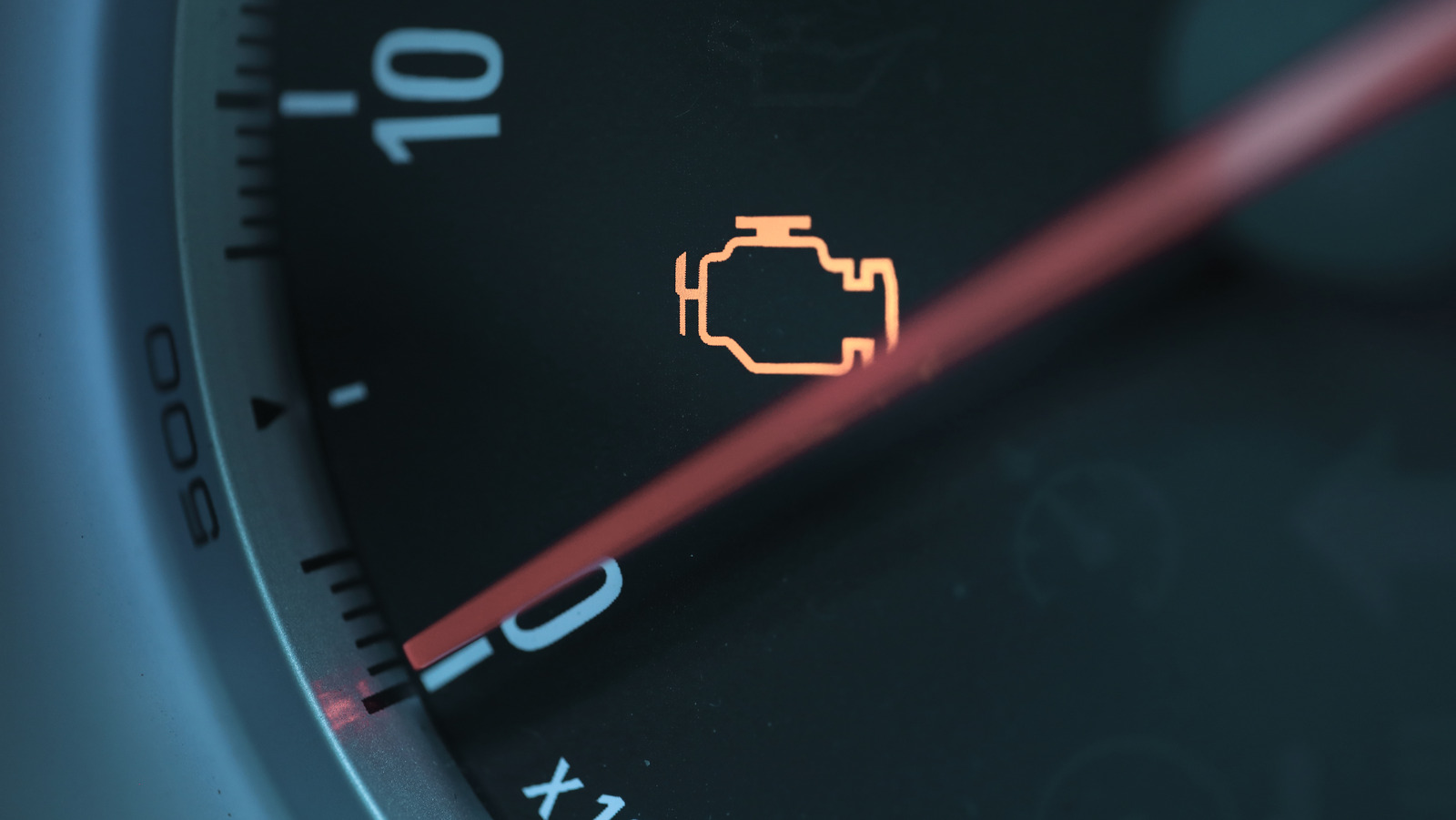
Check Engine Light (CEL) Illumination
A illuminated CEL is the most common reason for using an OBD2 scanner. Retrieve the DTCs to determine the underlying problem, which could range from a loose gas cap to a faulty oxygen sensor.
Poor Fuel Economy
If a vehicle experiences reduced fuel efficiency, OBD2 data can help identify issues such as a malfunctioning mass airflow sensor, clogged fuel injectors, or improper ignition timing.
Emissions Test Failures
OBD2 scanners play a crucial role in diagnosing and rectifying issues that lead to emissions test failures. By analyzing readiness monitors and emissions-related DTCs, users can address problems affecting the vehicle’s emissions performance.
Best Practices for Using OBD2 Scanners
To maximize the effectiveness of OBD2 diagnostics, consider the following best practices.
Keep Software and Firmware Up to Date
Regularly update the scanner’s software and firmware to ensure compatibility with the latest vehicle models and protocols. Manufacturers often release updates that enhance functionality and address known issues.
Refer to Repair Manuals and Resources
While OBD2 scanners provide valuable data, comprehensive repair information is essential for accurate diagnosis and repair. Consult repair manuals, online resources, and manufacturer documentation for guidance on specific vehicle systems.
Use a Systematic Approach
Avoid jumping to conclusions based on a single DTC. Use a systematic approach to diagnostics, considering all available data and potential causes before proceeding with repairs.
Conclusion
Mastering OBD2 scanners is a valuable skill for anyone involved in vehicle maintenance and repair. By understanding the capabilities and limitations of these tools, users can effectively diagnose issues, enhance vehicle performance, and ensure safety on the road. Whether you’re a professional mechanic or a dedicated DIY enthusiast, this ultimate troubleshooting guide equips you with the knowledge needed to harness the full potential of OBD2 technology.



Post Comment